Welcome to Python
Open Source, Easy to Learn, Portable
Created by Guido van Rossum, a former resident of the Netherlands, whose favorite comedy group at the time was Monty Python's Flying Circus.
The Terminal
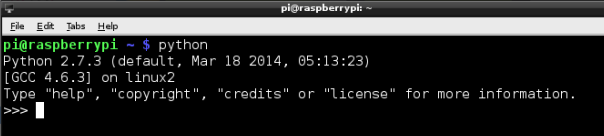
- Open a terminal window
- Type
python - You're now in the Python Interpreter
- When you see
>>>, you know you're in the interpreter
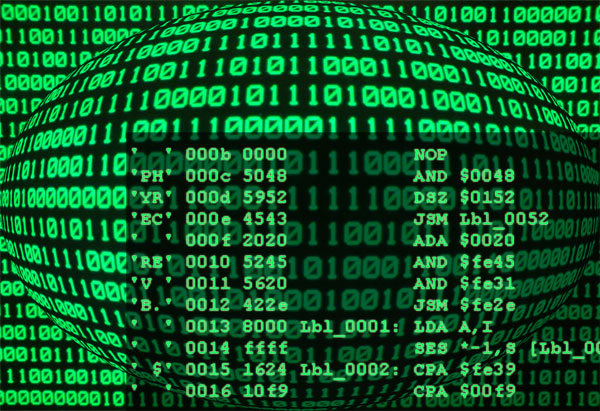
Your computer speaks a different language.
This is how your computer wishes you could speak to it:
This is what an interpreter does
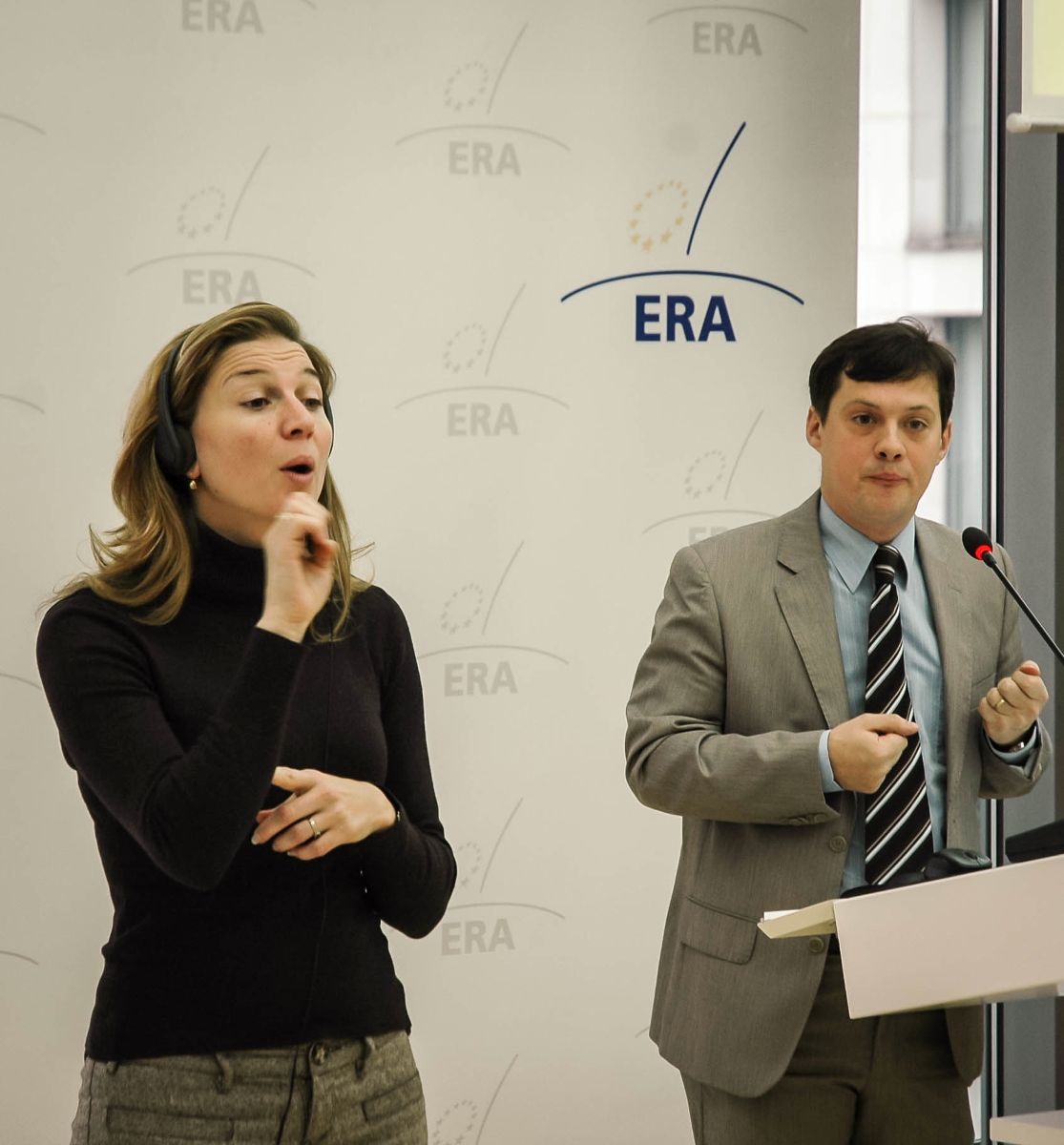
Interpreter vs Translator(Compiler)
- Interpreter
- goes line by line
- only interprets what's needed when it's needed
- will only let you know of errors when it encounters them, if it does

- everything up front
- will do all the work before returning it
- can let you know of errors before returning the final work
- may even translate useless stuff
- gives you a finished product i.e. Word, Excel...
Let's start talking
Type in "hello". Don't forget the quotes.
You get 'hello' back
Try 'hello'
Try 'How are you?'
Ok, that doesn't make for fun conversations
Let's start calculating then!
Enter 2
You get 2 back!
Enter 2+2
Woohoo! We get 4. The Pi is longer just repeating what we say!
Try:
200000000 + 3
or
592387438274 -92837847
Try 4 * 8
Try 9 / 4
Oh oh. What happened here?
Let's try 9.0 /4 or 9/4.0
Let's try more stuff
Try "2"+"2" and compare with 2+2
Try "hello,"+"world"
Try "hello"+2
Try "wow!"*5
Strings vs Integers vs Floats
A string is a collection of characters one after the other
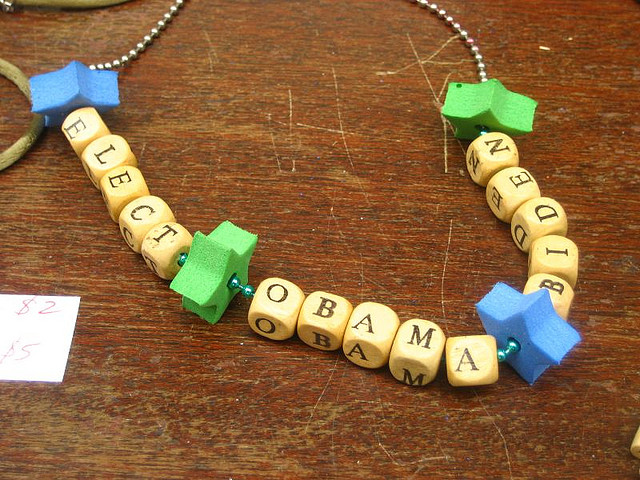
Strings vs Integers vs Floats
An integer is a whole number, just like we learnt in Math
But what's a float?
But what's a float?

But what's a float?
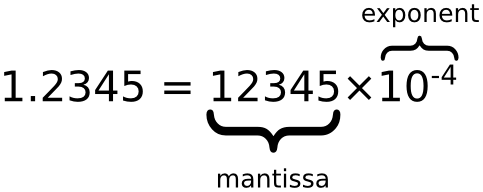
Also known as a decimal number
Types
A type is "what it is"
type(2)type("Hello")type(3.14159)Let's go back to strings
What can we do with strings?
We can tie one at the end of the other
firststring+secondstring
"hello,"+"world"
We can repeat a string
but you should never repeat a lie
"I will not lie."*200
Ok, give me something useful
try "this is cool".lower()
oops! Try this instead:
"this is cool.".upper()
Or even "this is cool".upper()+"!"*3
More fun
Try:
"the lord of the rings".title()"the lord of the rings".capitalize()"the lord of the rings".upper()
Variables
Try:
dogname = "Fido"
dogname.upper()
You just yelled at your dog!
String Formatting
Try the following:
dogname = "Brutus"
catname = "Felix"
runs = "{} runs after {}"
runs.format(dogname,catname)
Try inversing dogname and catname
Boxing!
Variables are basically boxes that contain something.You can refer to the content of the box by naming the label of the box

x = 4y = 3z = x + yzx = 10zWhat if I forget?
If you don't remember what you put in a box, you can always type it
x="something I'll soon forget"type(x)
Find x in
x = 3 + 1
4 = x + 1
x = x + 1

x = x + 1In computer speak, this means "take the content of box x, add 1 to it, and put it back into box x"
Let's leave the interpreter for now
Start IDLE
There's IDLE and IDLE3
two versions of Python: 2.7 and 3.2 (or 3.4)
We will use 2.7
Woah! Here's the >>> prompt again!
Yup. This is another way to access the interpreter. Try it out
Programs in Files
or how to keep your work
We are no longer having a conversation with the interpreter. But we're still not dealing with a translator/compiler either.
We can keep our work on disk, and then send it to the interpreter.
Entering text in a file
You know the drill, File/New, File/Open, File/Save As.., File/Save
Enter 2+2, save as firstprogram.py, and hit F5
Save under Documents/Python Projects
F5 means Save and Run
So what did we get?
nothing at all
Go back to your file, and type print 2+2 and try again with F5
NOT a conversation
Now we have to tell the interpreter every single thing we want to see.
Otherwise the interpreter stays quiet.
(it did the work though, it's just not telling you)
Functions
A function is a piece of code that's already written
It can be called whenever you want
Functions look like this:
function_name(list_of_parameters_separated_by_comma):
Example: len("I like my dog")
pow(2,8)
print is a function, but it's an exception
in Python 3, it's no longer an exception, they fixed it
for now we use: print "I like my dog"
import
Many functions are defined in libraries
You have to import the library before you can access the function
import math
math.sqrt(16)